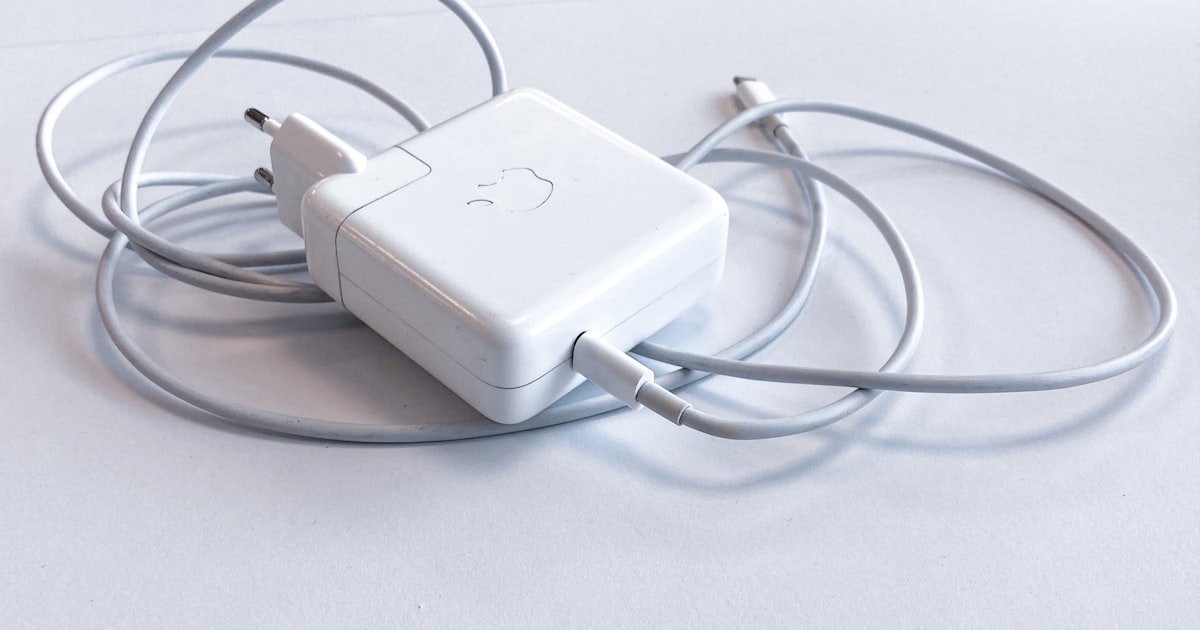
The battery is the one part of a Mac designed to wear out. Its wear is measured in charge cycles, and that number tells you more about the machine's real condition than its age does.
A cycle is not a recharge. One cycle means 100% of the battery's energy used, not one plug-in. Use 50% today and 50% tomorrow and that counts as a single cycle. That's why a five-year-old Mac can show fewer cycles than a heavily travelled two-year-old one.
The limit depends on the model. Recent MacBooks are rated to keep 80% of their capacity after 1,000 cycles. Older models were rated for 500, sometimes 300. So the raw number means nothing without the model: 600 cycles is comfortable on a MacBook Pro M3 and end-of-life on a 2012 MacBook Air.
Capacity is the real signal. Below 80% maximum capacity, macOS shows “Service Recommended” and runtime drops fast. Below 70%, replacement is justified. MacbookCheckr shows cycle count, remaining capacity and the model's rated limit side by side, so you don't compare numbers that aren't comparable.
Making what's left last. Leave Optimised Battery Charging on, avoid keeping the machine plugged in at 100% permanently, and never store it fully discharged. Heat wears a battery faster than cycles do: at 35 °C a battery ages roughly twice as fast as at 20 °C.
Finally, if you're buying used, ask for the cycle count before you travel to see the machine. A seller who won't share it usually has a reason.